Press kit
Everything you need to feature Timelog in your publication.
About Timelog
App Name
Timelog
Developer
Christos Giallouros
Platforms
iOS & Android
Price
Free with premium
Category
Productivity
Website
Store Listings


Description
Short Description
A time tracker that helps you build better habits. Track how you spend your time, set goals, and build routines that actually stick.
Long Description
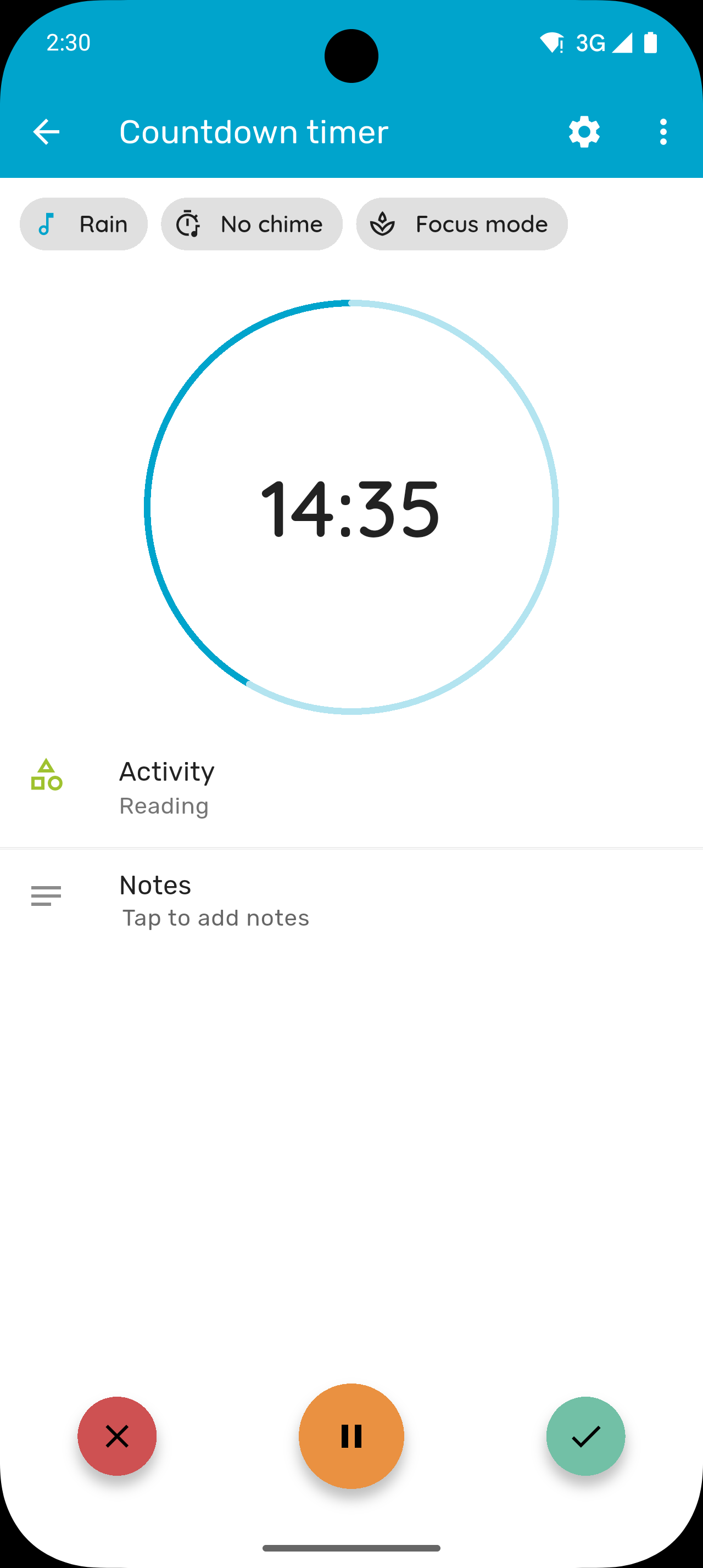
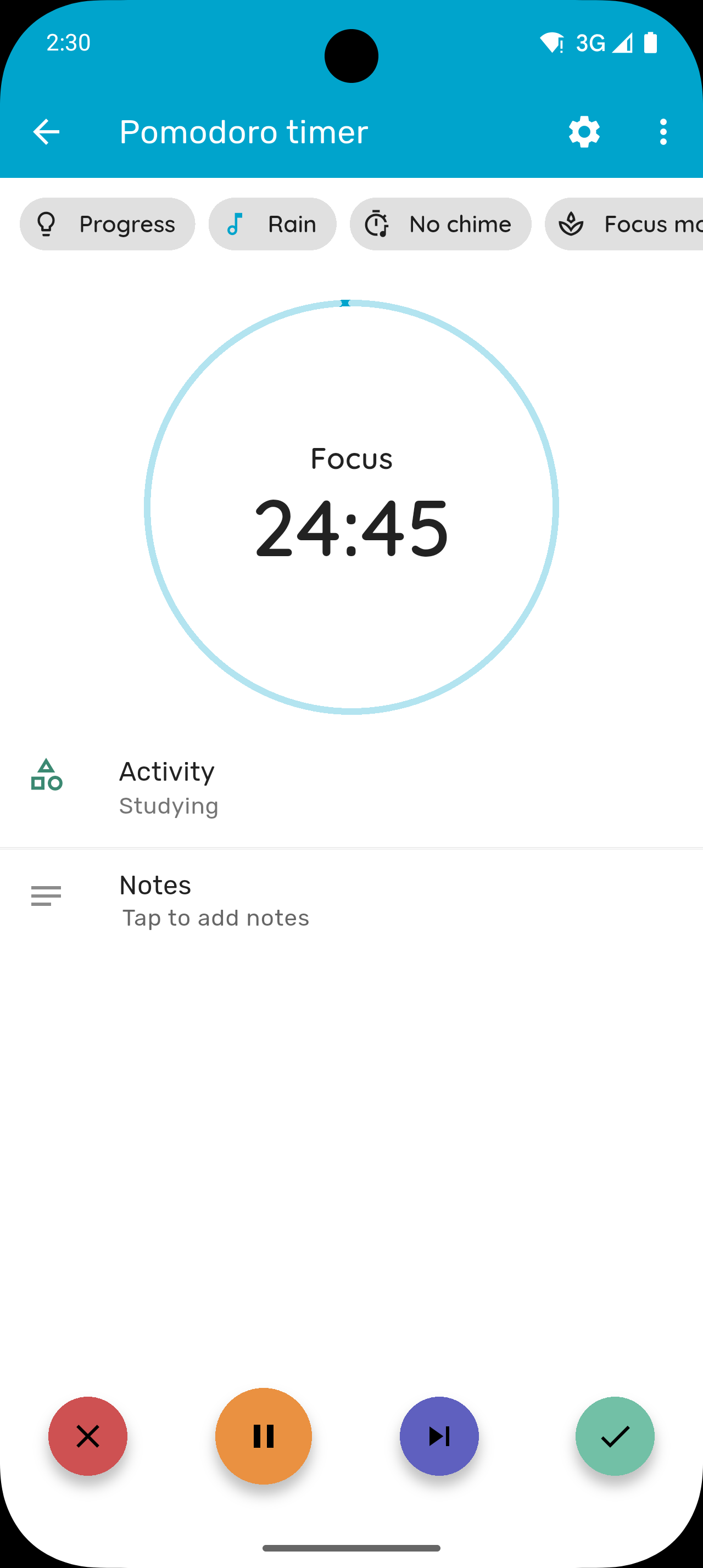
Most time trackers focus on logging hours. Timelog goes further by turning your tracked time into goals, streaks, and insights, so you can see what's working and adjust. Track your hours with a stopwatch, countdown, or Pomodoro timer, then set daily, weekly, or monthly goals to stay accountable. Watch your streaks grow, spot patterns with detailed charts, and build routines that last. It works just as well for deep work and study sessions as it does for exercise, side projects, or any habit you want to build. Available on iOS and Android with deep platform integrations on both. On iOS: home and lock screen widgets, Siri Shortcuts, Live Activities, and Dynamic Island. On Android: home screen widgets and a floating timer overlay for quick access.
Key Features
Tracking
- Multiple Timer Types: Stopwatch, countdown, and Pomodoro timer
- Manual Time Entry: Log hours after the fact
- Focus Mode: Ambient soundscapes to help you stay in the zone
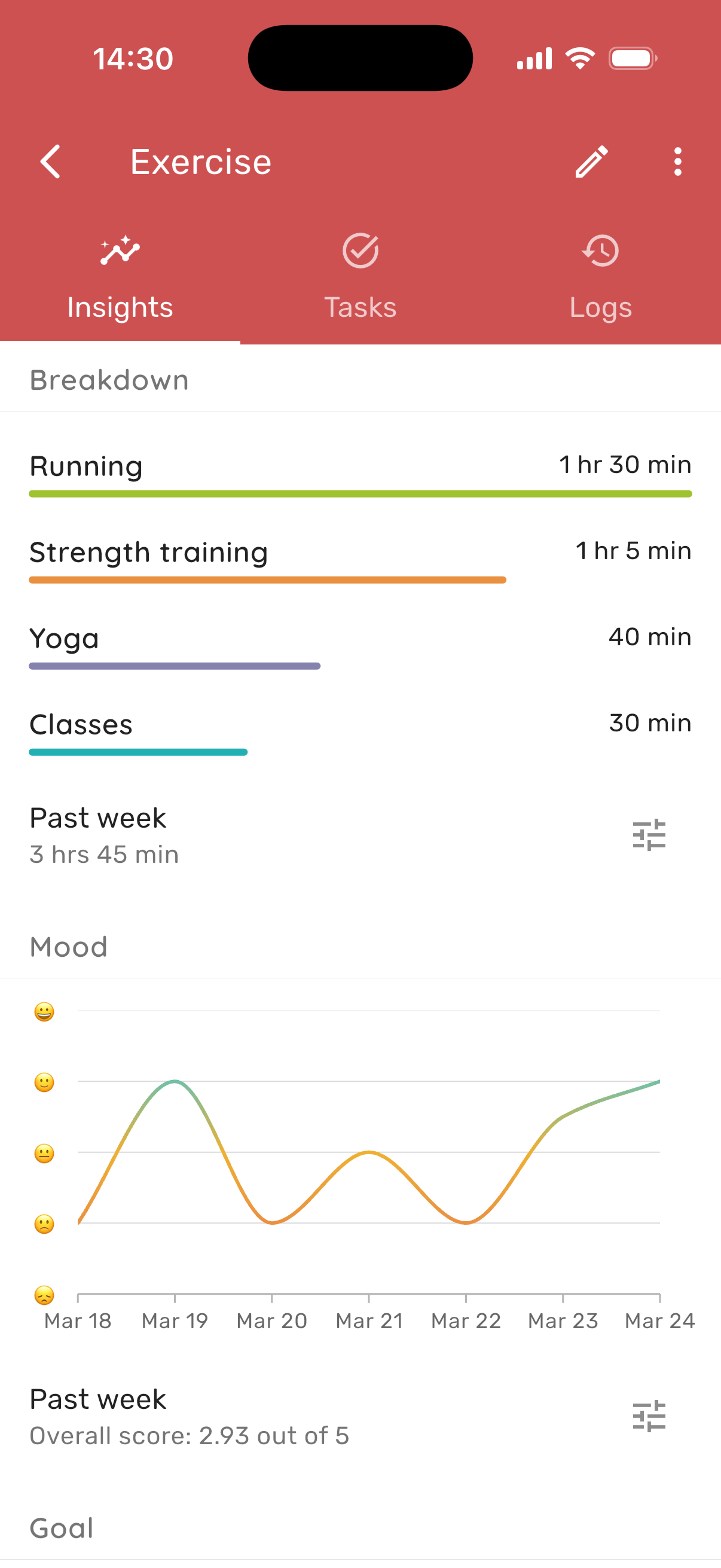
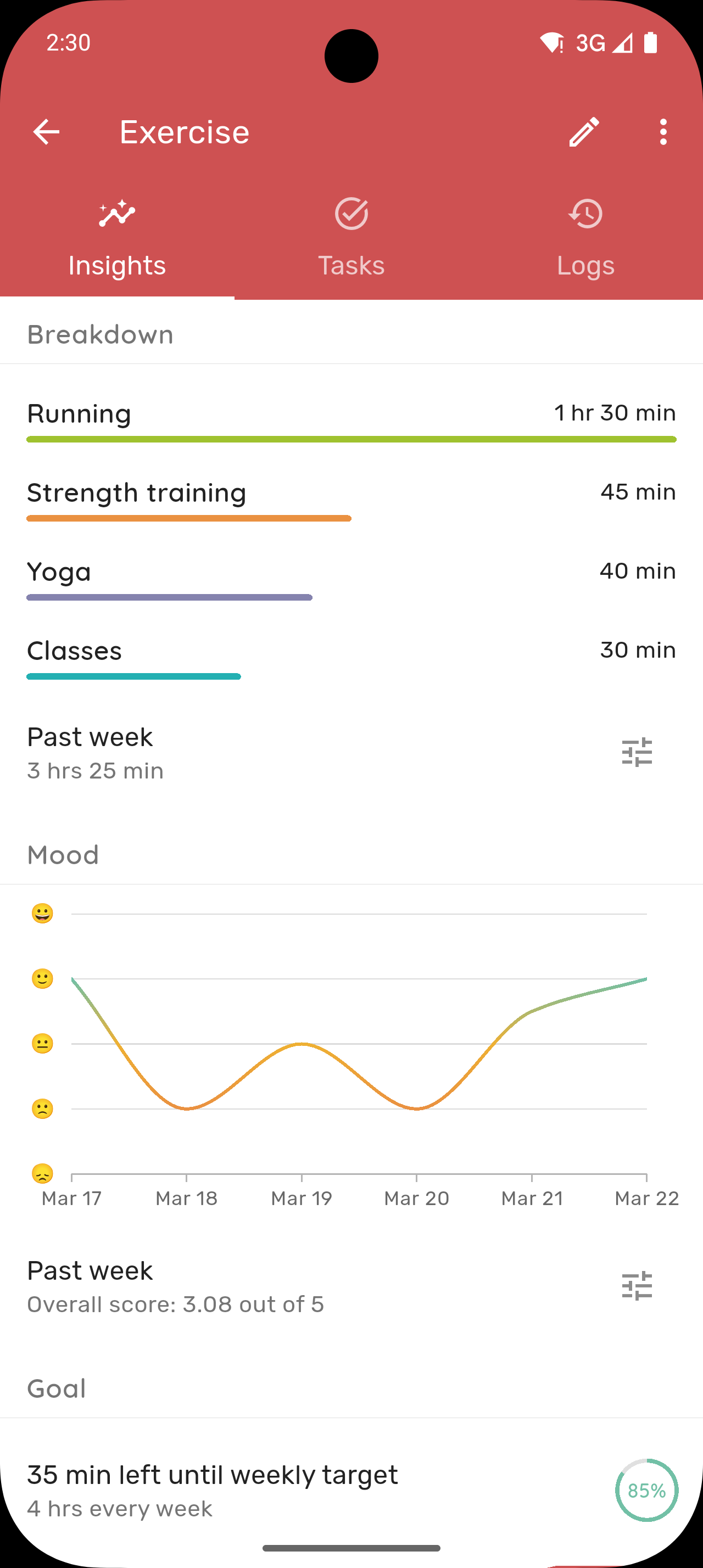
- Mood Tracking: Record how you feel alongside what you do
- Notes: Add context to any time entry
Goals & Habits
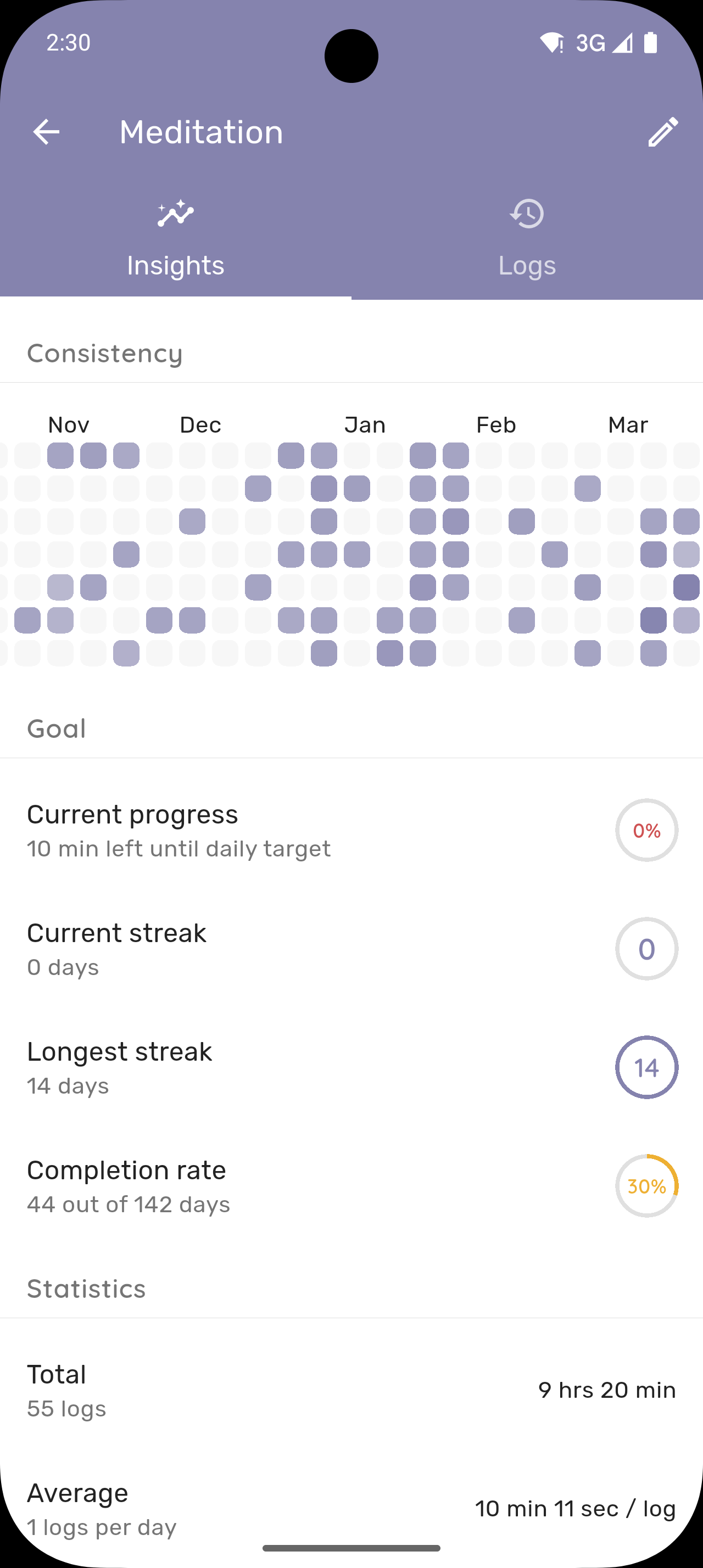
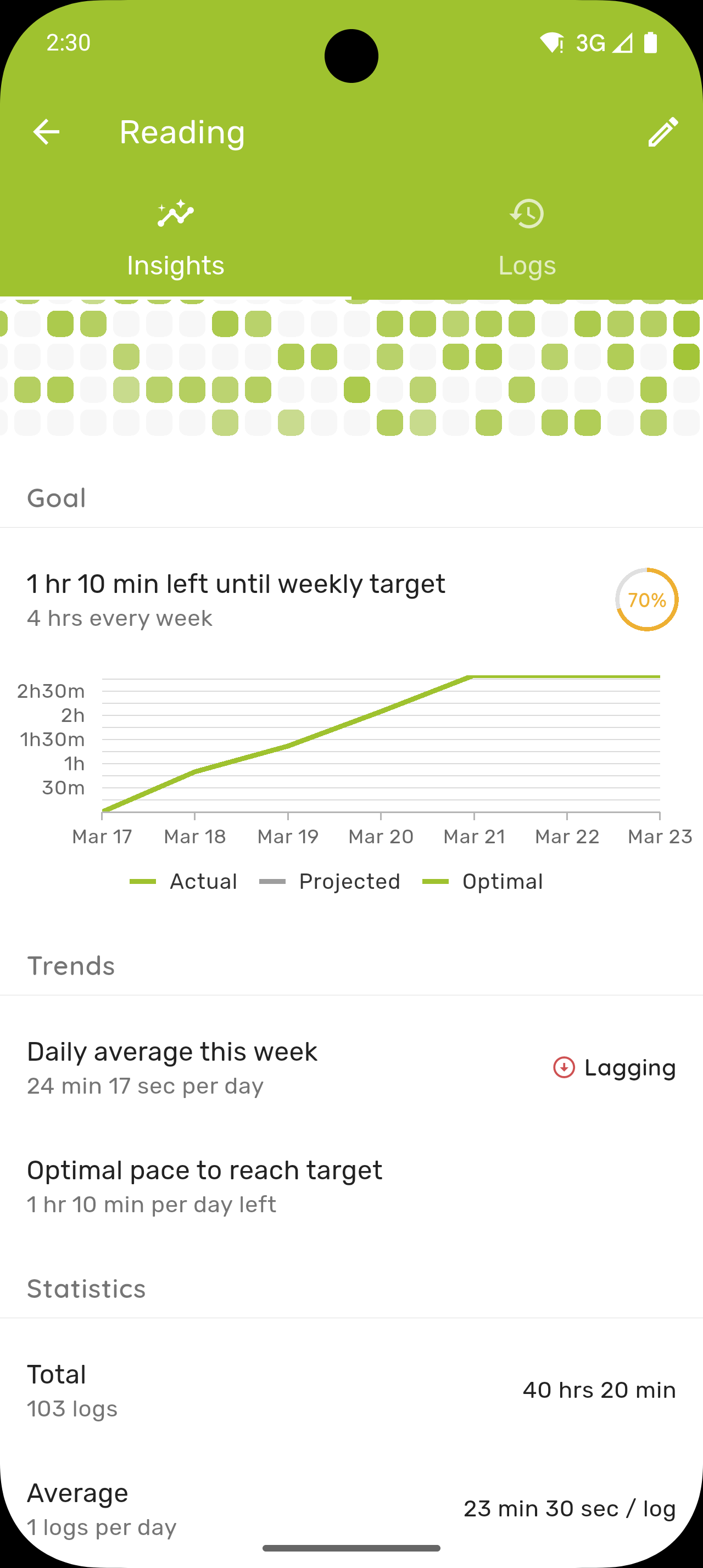
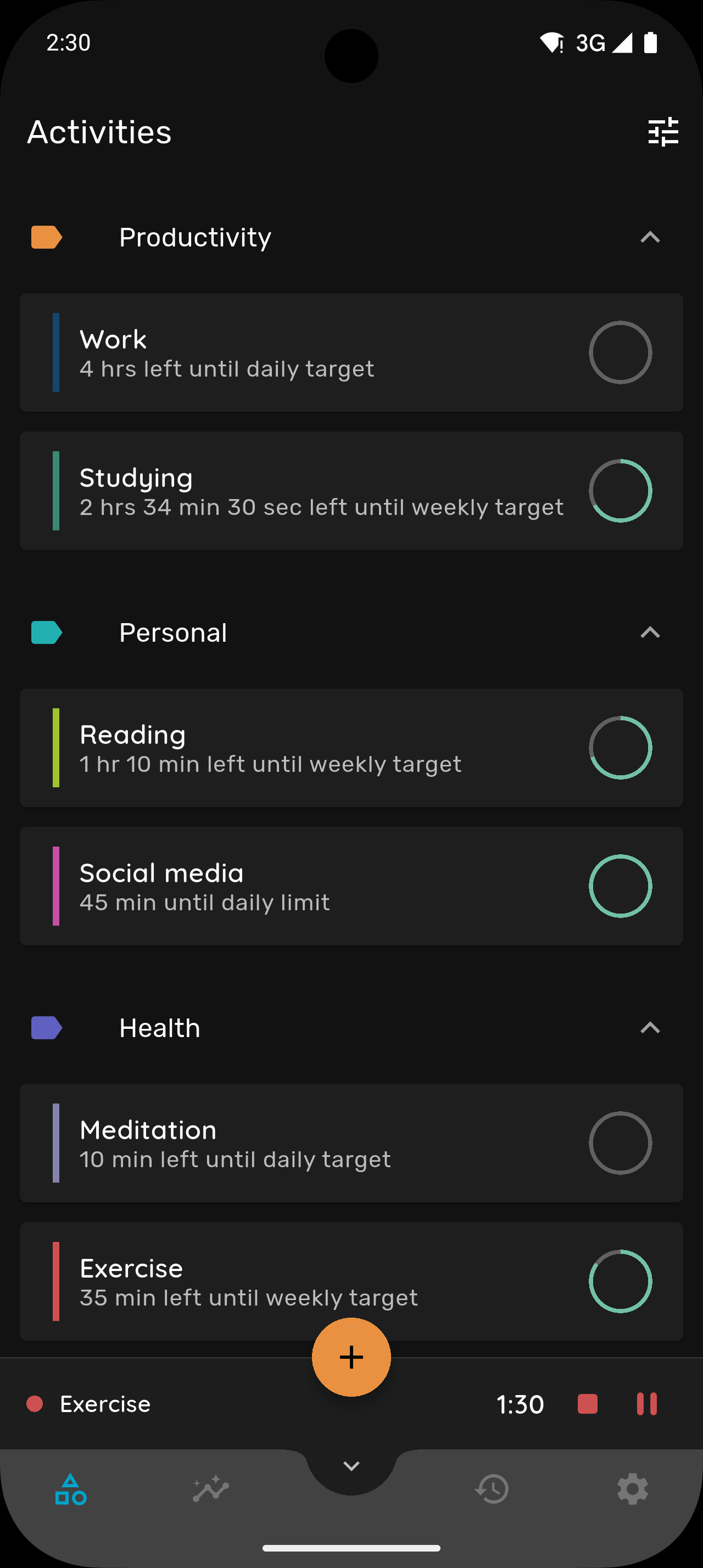
- Flexible Goals: Daily, weekly, monthly, and quarterly targets
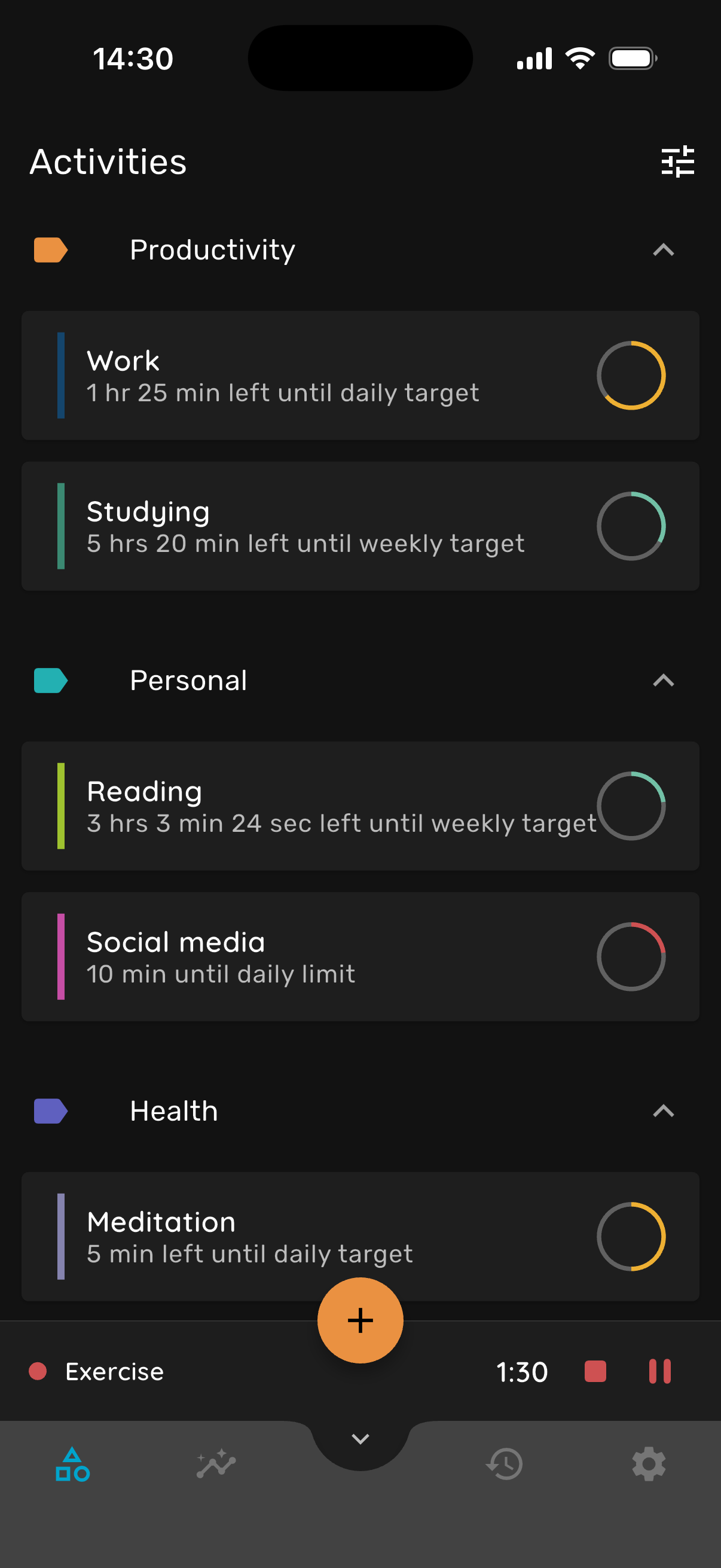
- Activity Limits: Set upper bounds, not just minimums
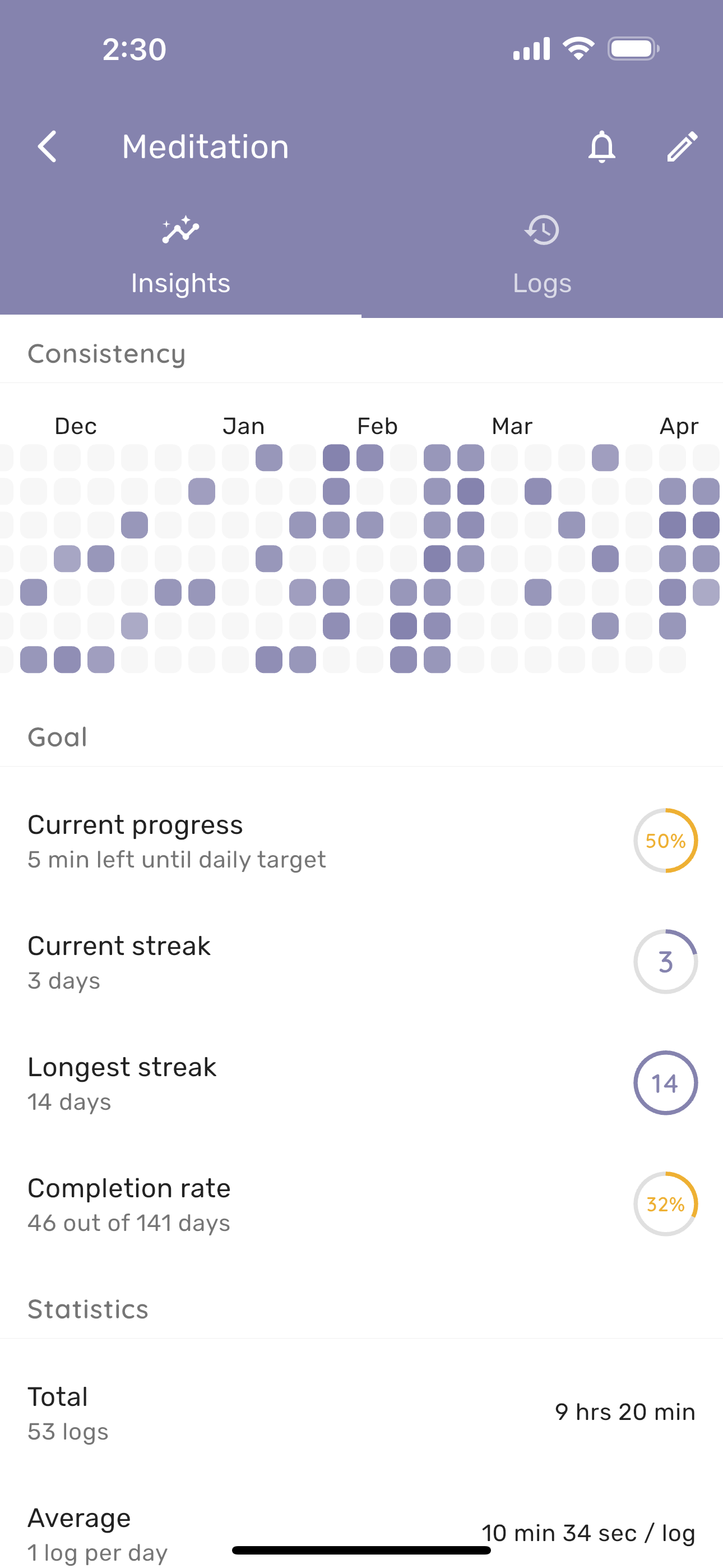
- Streaks: Build consistency and watch your streaks grow
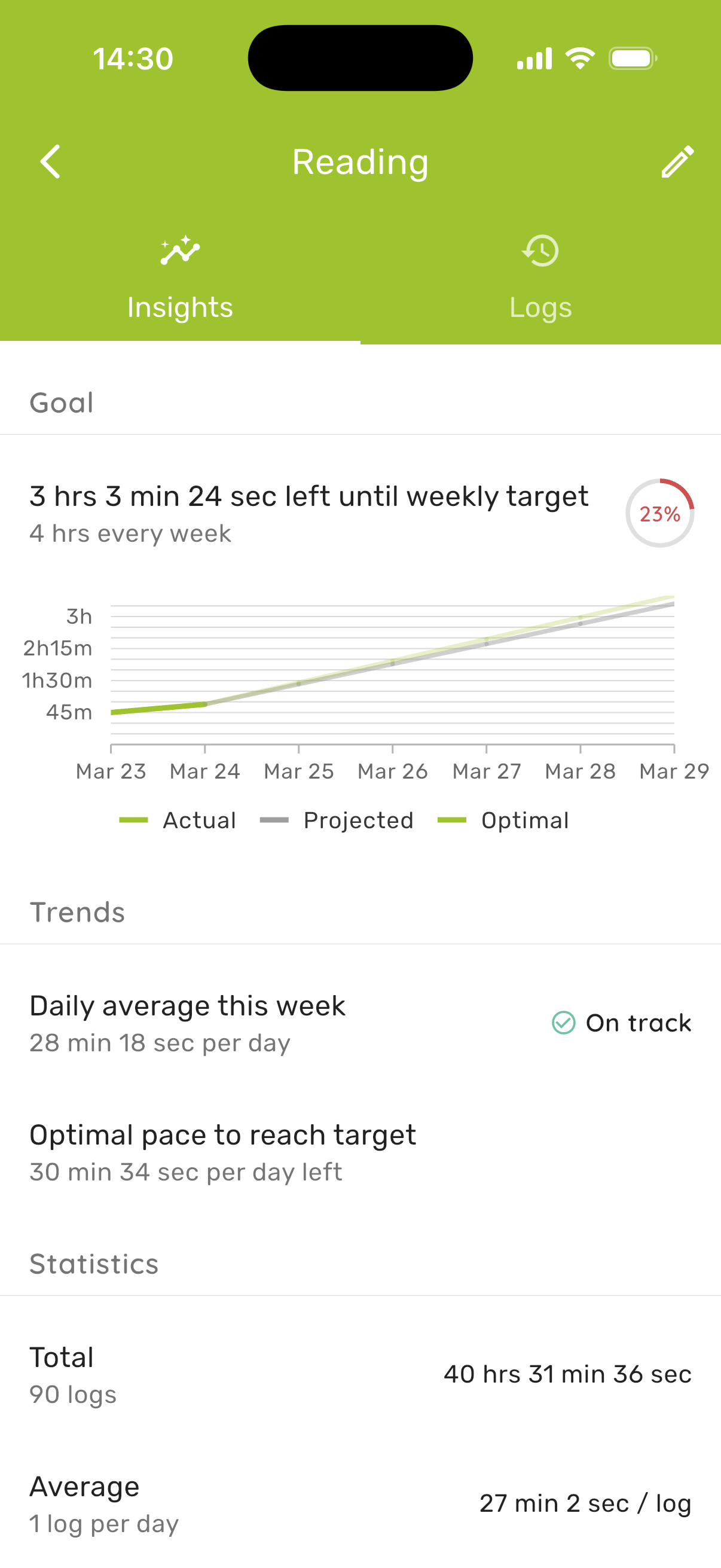
- Pace Predictions: See if you're on track to hit your goals
- Custom Reminders: Gentle nudges with personalized messages
Insights & Organization
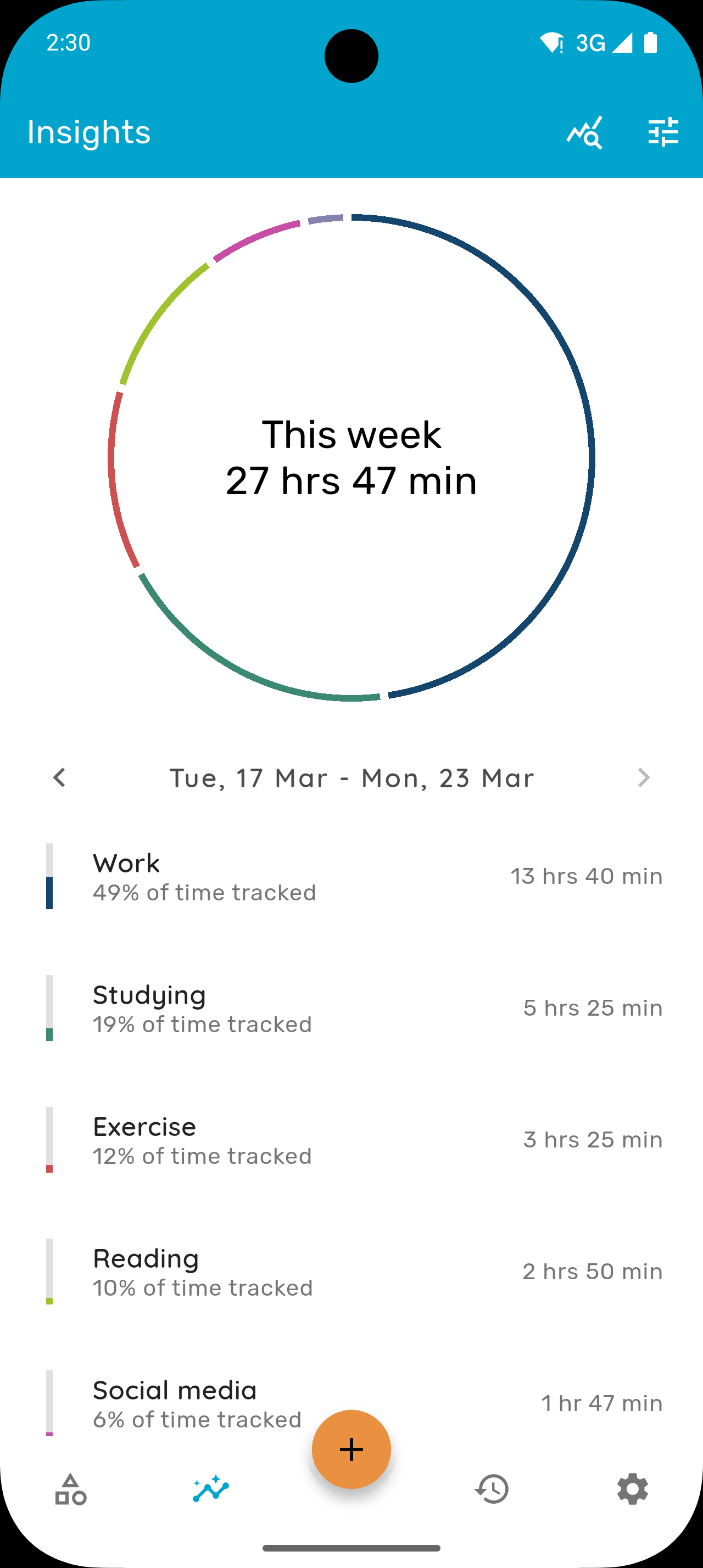
- Charts & Trends: Visualize your time with clear analytics
- Weekly & Monthly Reports: Compare periods and spot patterns
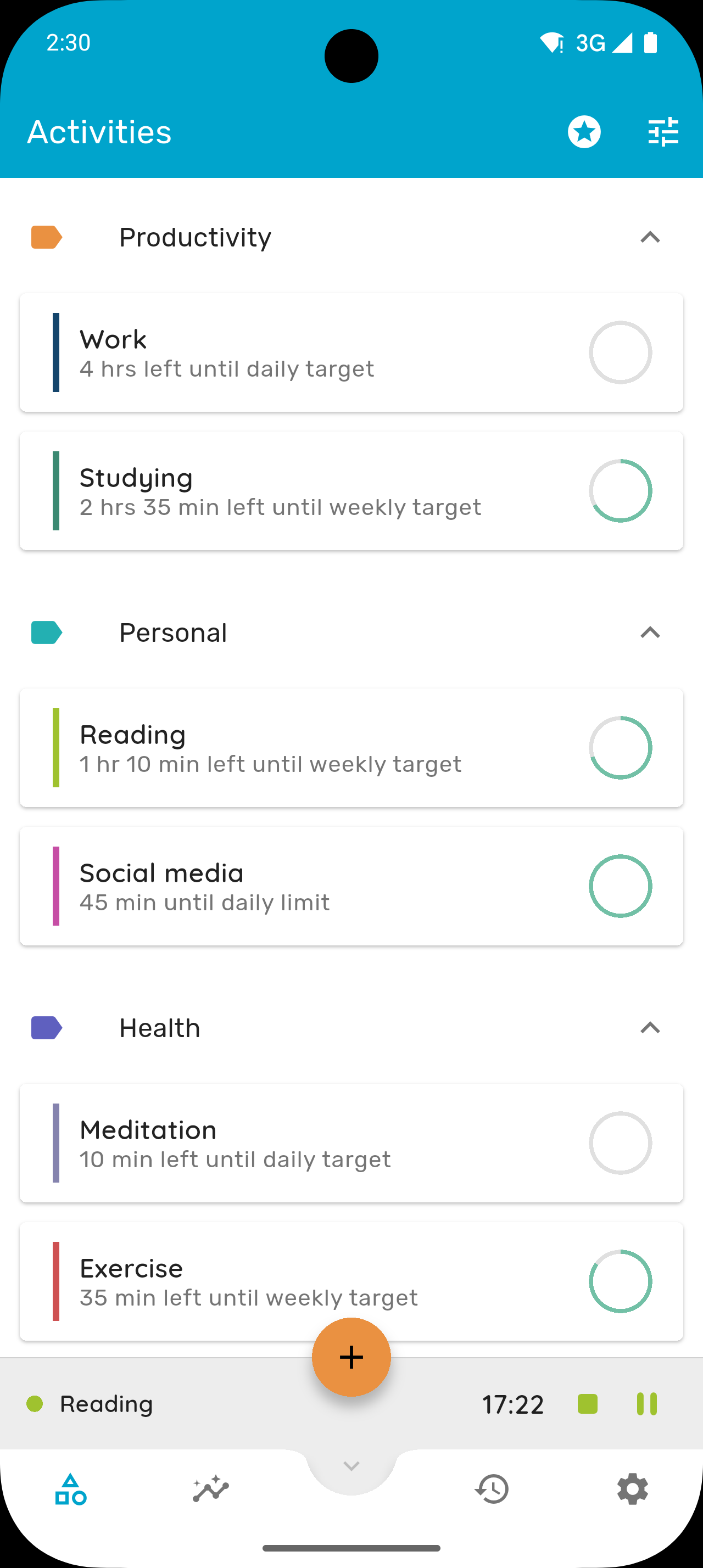
- Categories & Sub-tasks: Organize activities your way
- Calendar View: Timeline view of your tracked time
- CSV Export: Export your data anytime
Platform Integration
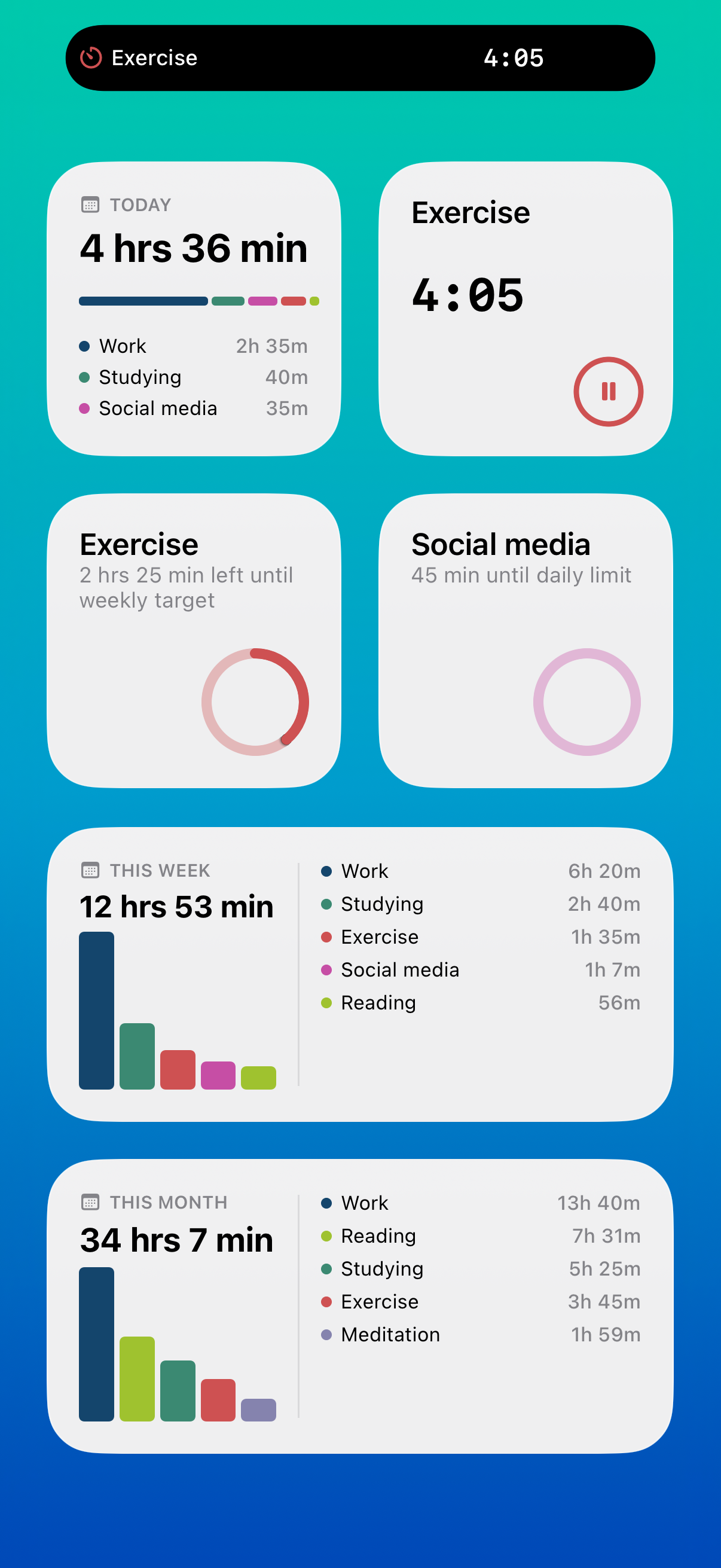
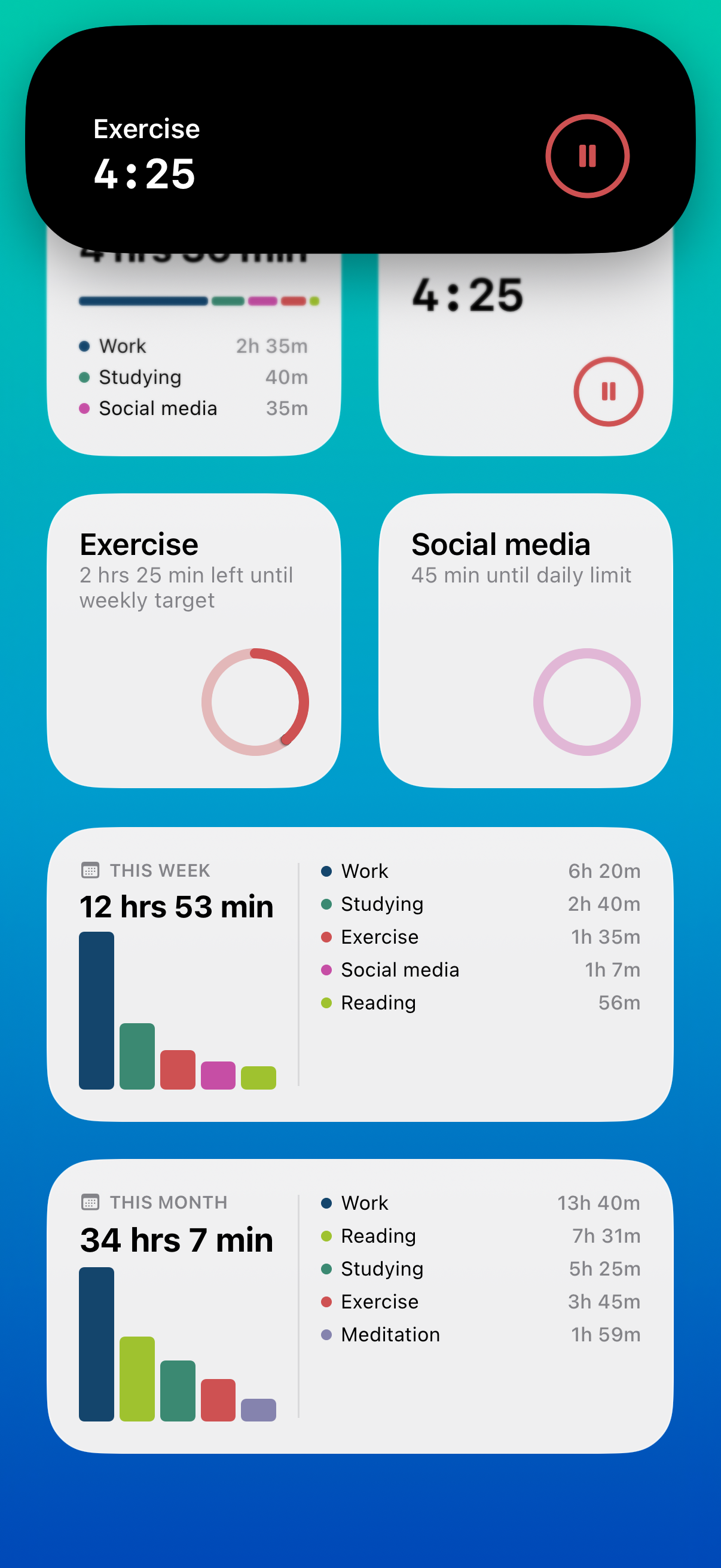
- Live Activity & Dynamic Island: See your timer on the lock screen (iOS)
- Lock Screen Widgets: Start timers without unlocking (iOS)
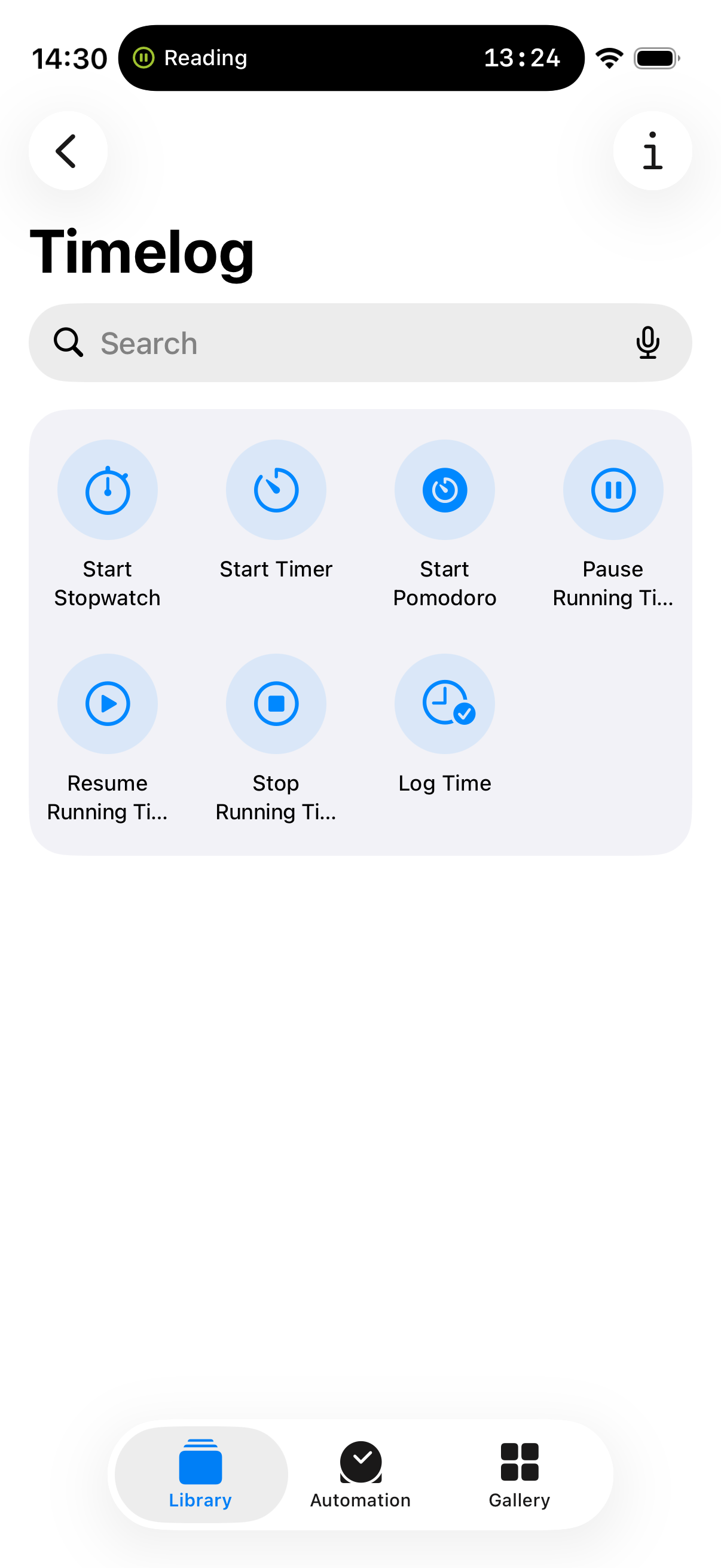
- Siri Shortcuts: Voice and automation control (iOS)
- Control Center: Quick-access timer controls (iOS)
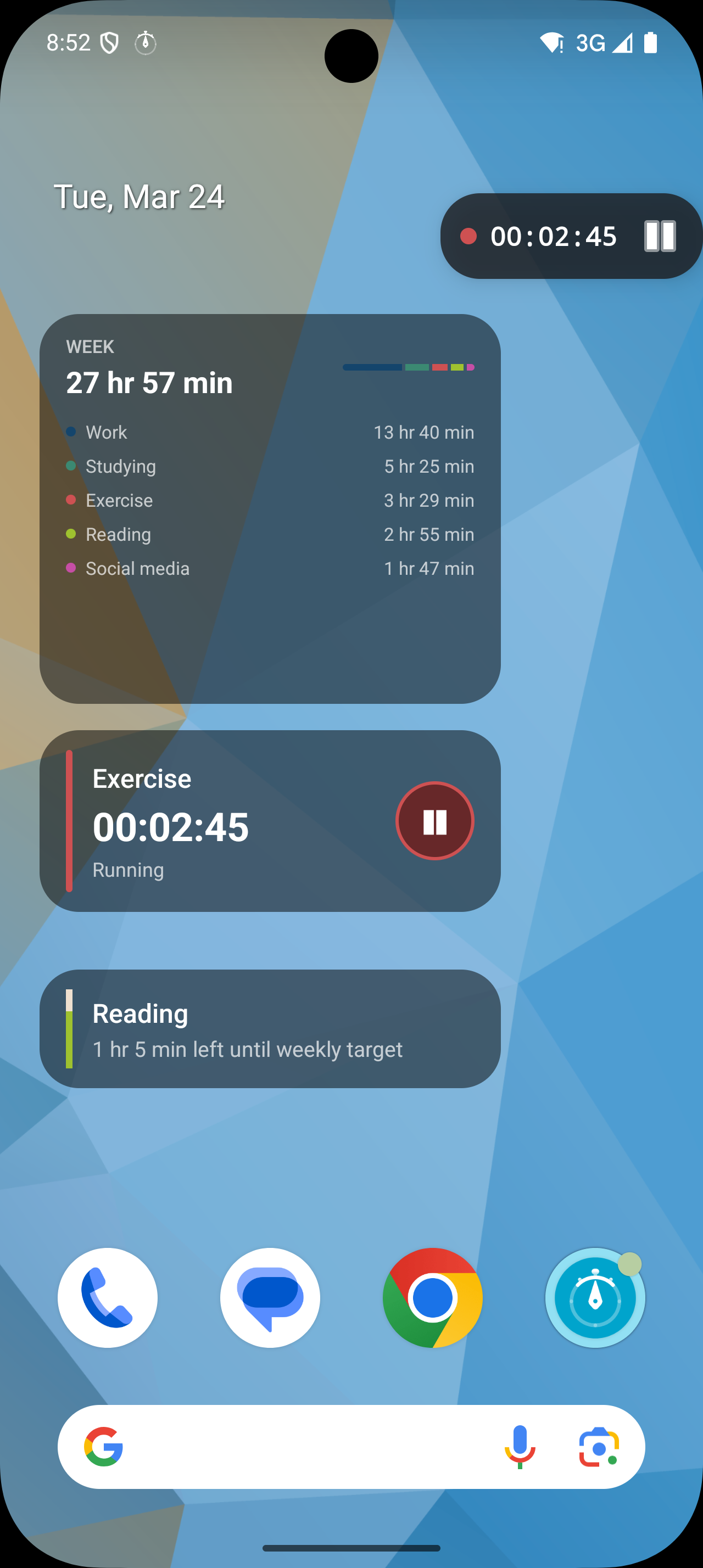
- Floating Timer Widget: Always-visible overlay (Android)
- Home Screen Widgets: Glance at progress from your home screen
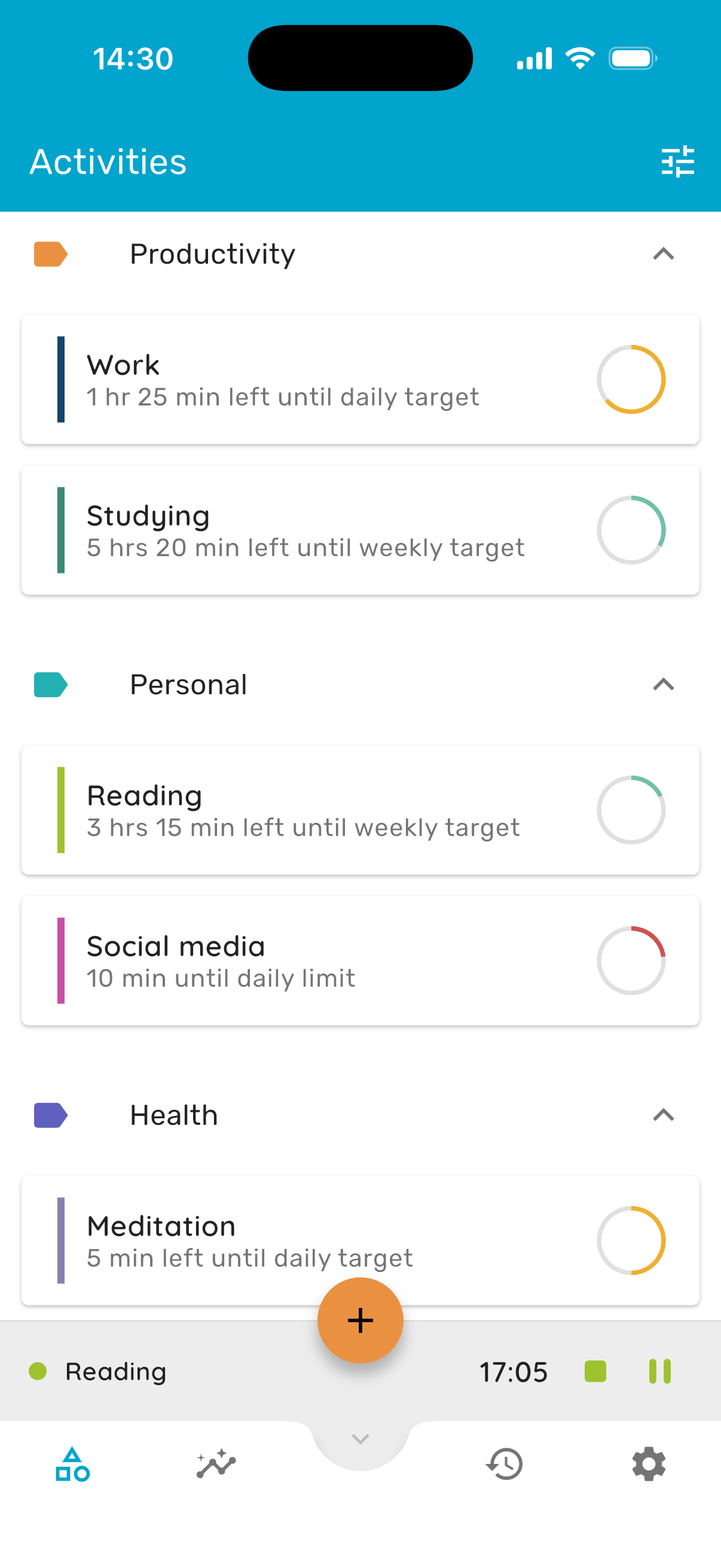
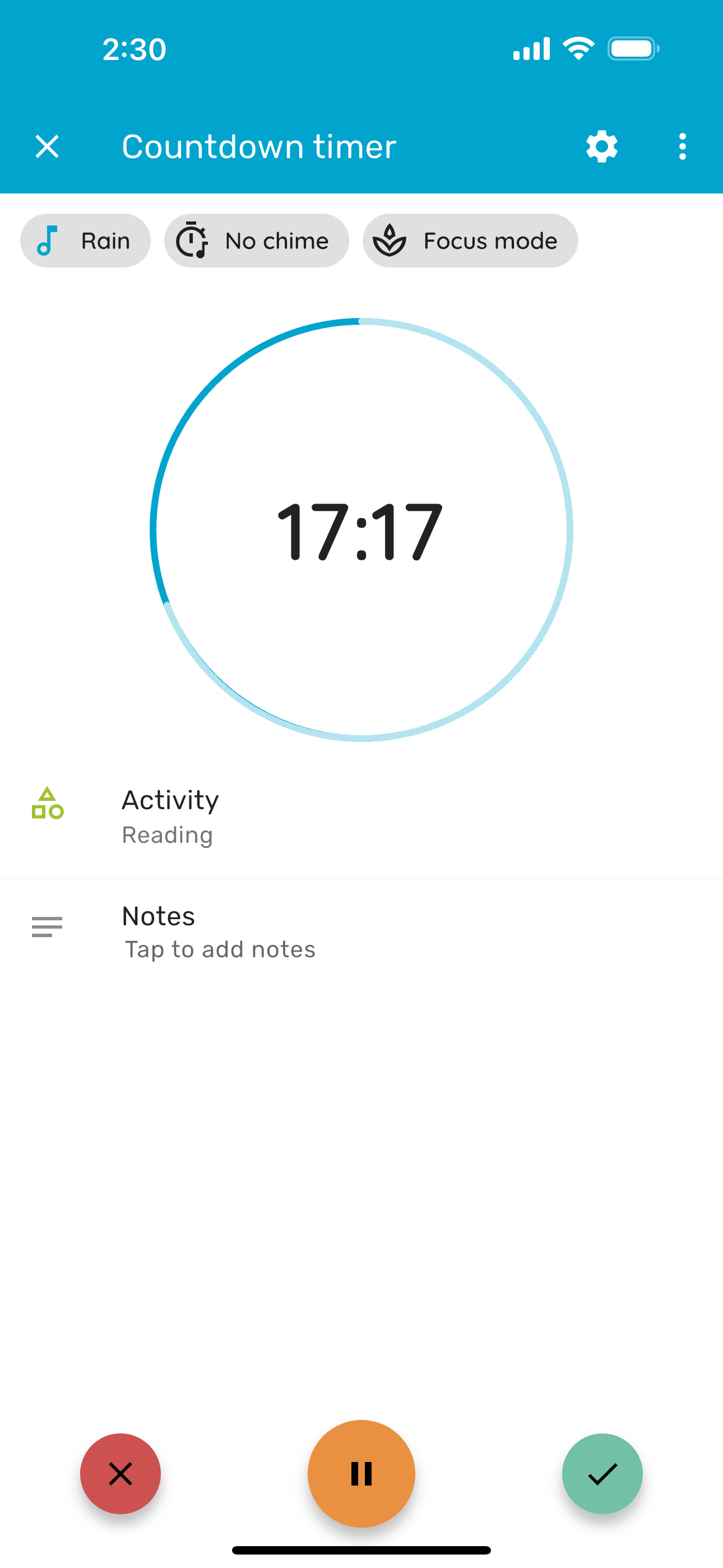
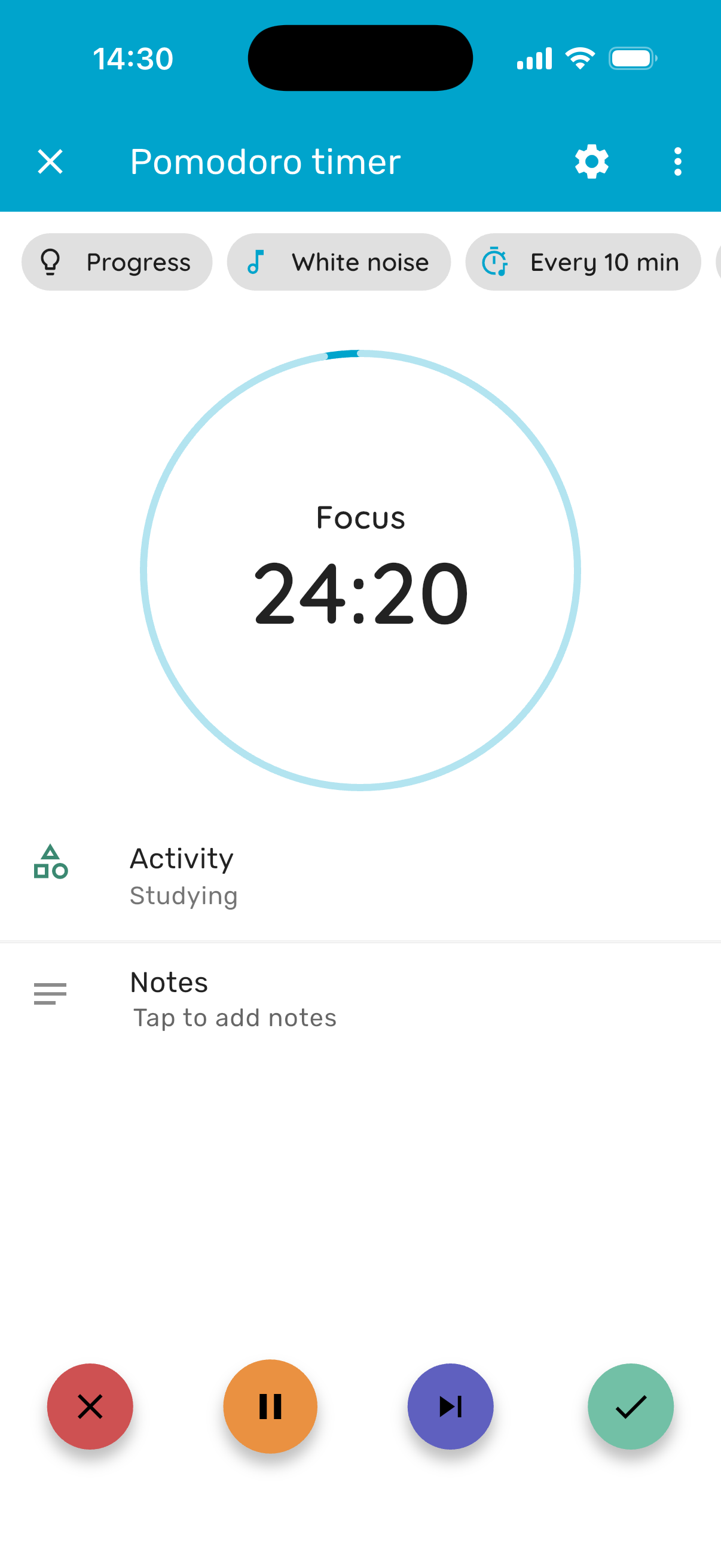
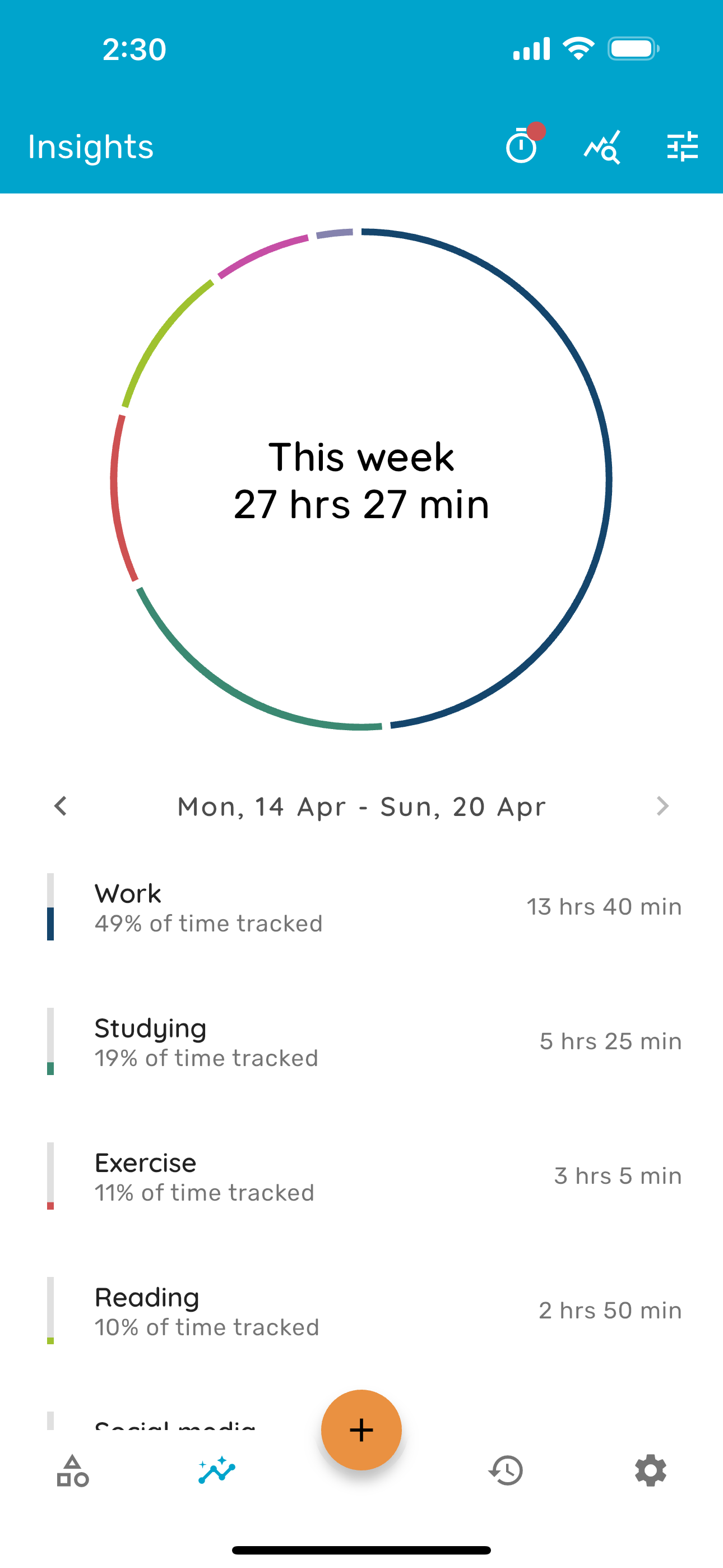
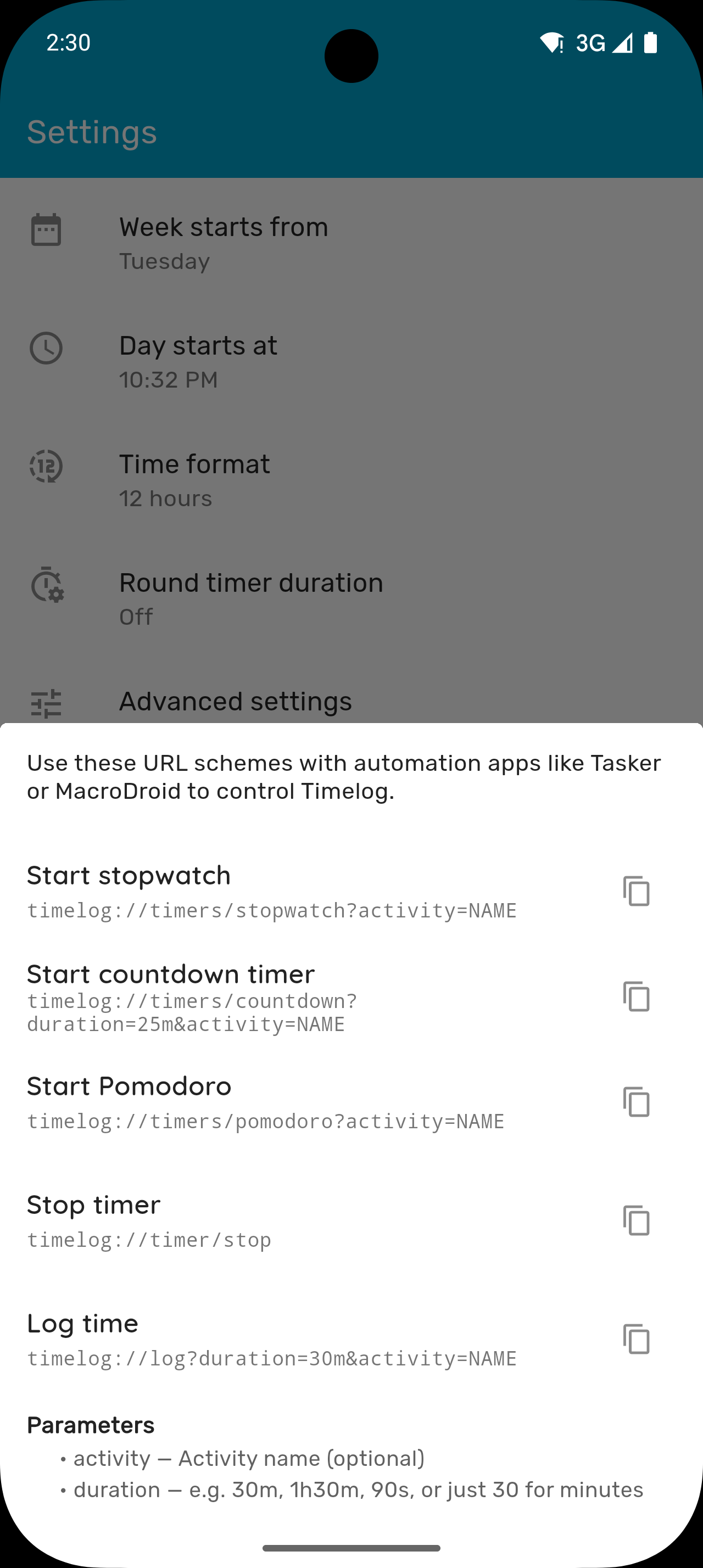
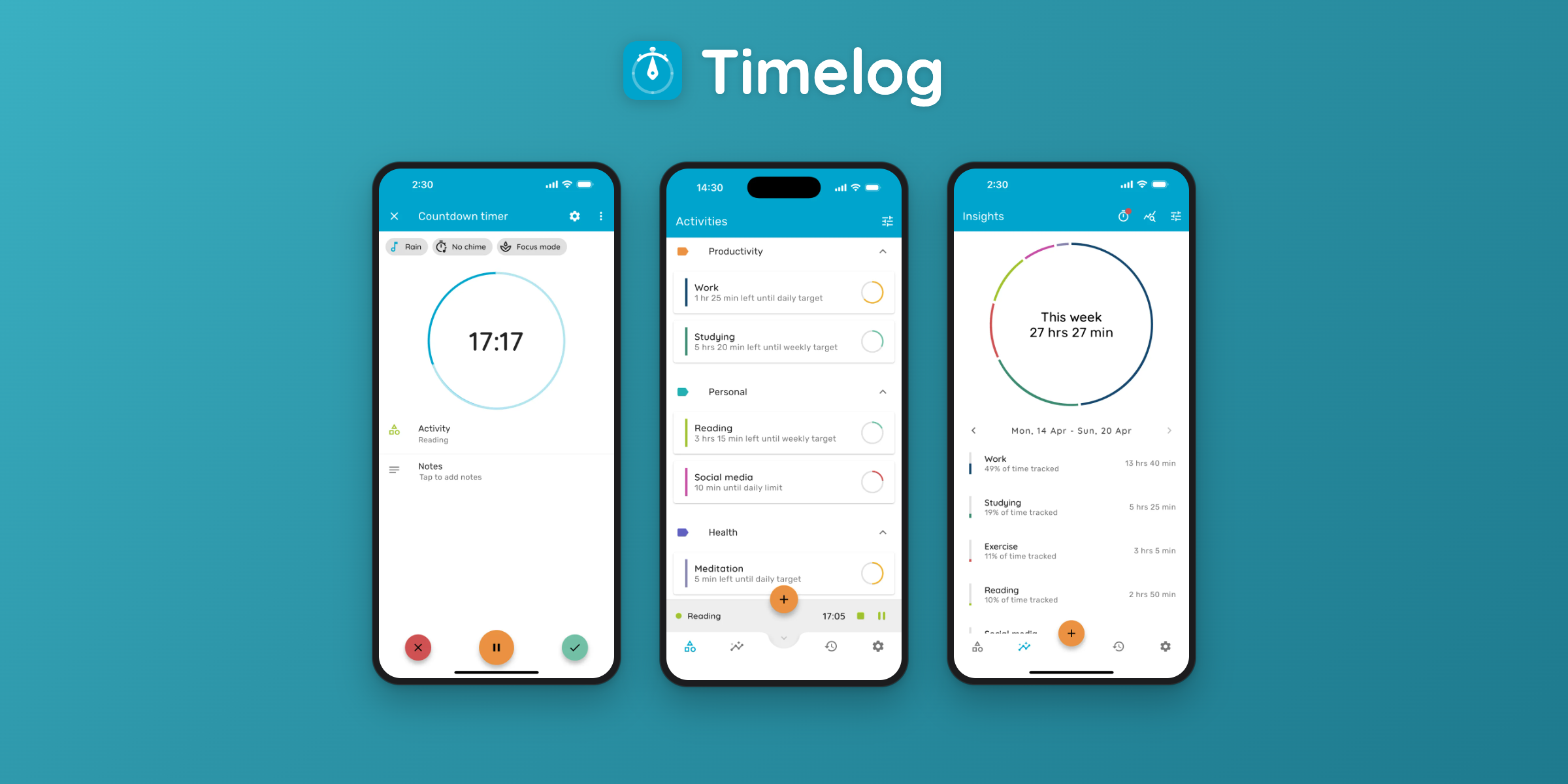
Screenshots iOS
Frameless screenshots. Click to download full resolution.
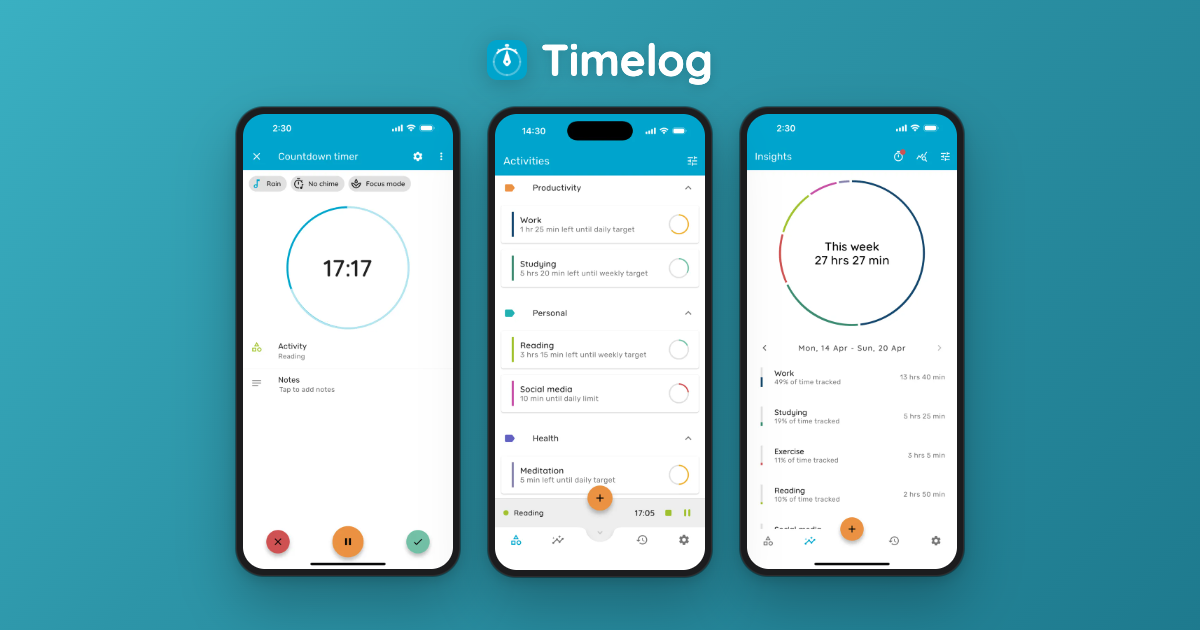
Screenshots Android
Frameless screenshots. Click to download full resolution.
About the Developer
I'm Christos, an indie developer from Cyprus. I built Timelog because I wanted to change my daily habits but found that ticking a box each day wasn't enough. I needed to see how much time I actually spent on things so I could adjust. That simple idea became Timelog. I care a lot about the small details and making the most of what each platform offers, from widgets and Live Activities on iOS to floating timers on Android. It's a one-person project and I'm always happy to chat.
For press inquiries, interviews, or promo code requests:
support@timelog.link